

Add-ons & options
Barrier add-ons.Only what the site needs.
Every barrier is supplied and professionally installed. These options cover the base it stands on, support and lights for the arm, how drivers and visitors open it, and detection and safety at the opening.
- Groundwork
- Foundations & pads
- Accessories
- Pogo posts · LED lights
Add-ons and options
Choose a barrier, then add only what the entrance needs — the base it stands on, support and lights for the arm, how drivers and visitors are let in, and detection and safety at the opening. Options are supplied at cost where applicable and fitted with the barrier.
Select a numbered option — or point at one — to find it on the drawing, with what it does and what it costs.
- 1Groundwork
Concrete barrier foundation
The concrete pad the barrier stands on.
A concrete pad cast at the barrier position to carry the cabinet, with ducting laid for the power and control cables. Not needed where a sound base already exists in the right place — the survey decides.
Pricing being finalised
Add - 2Barrier accessories
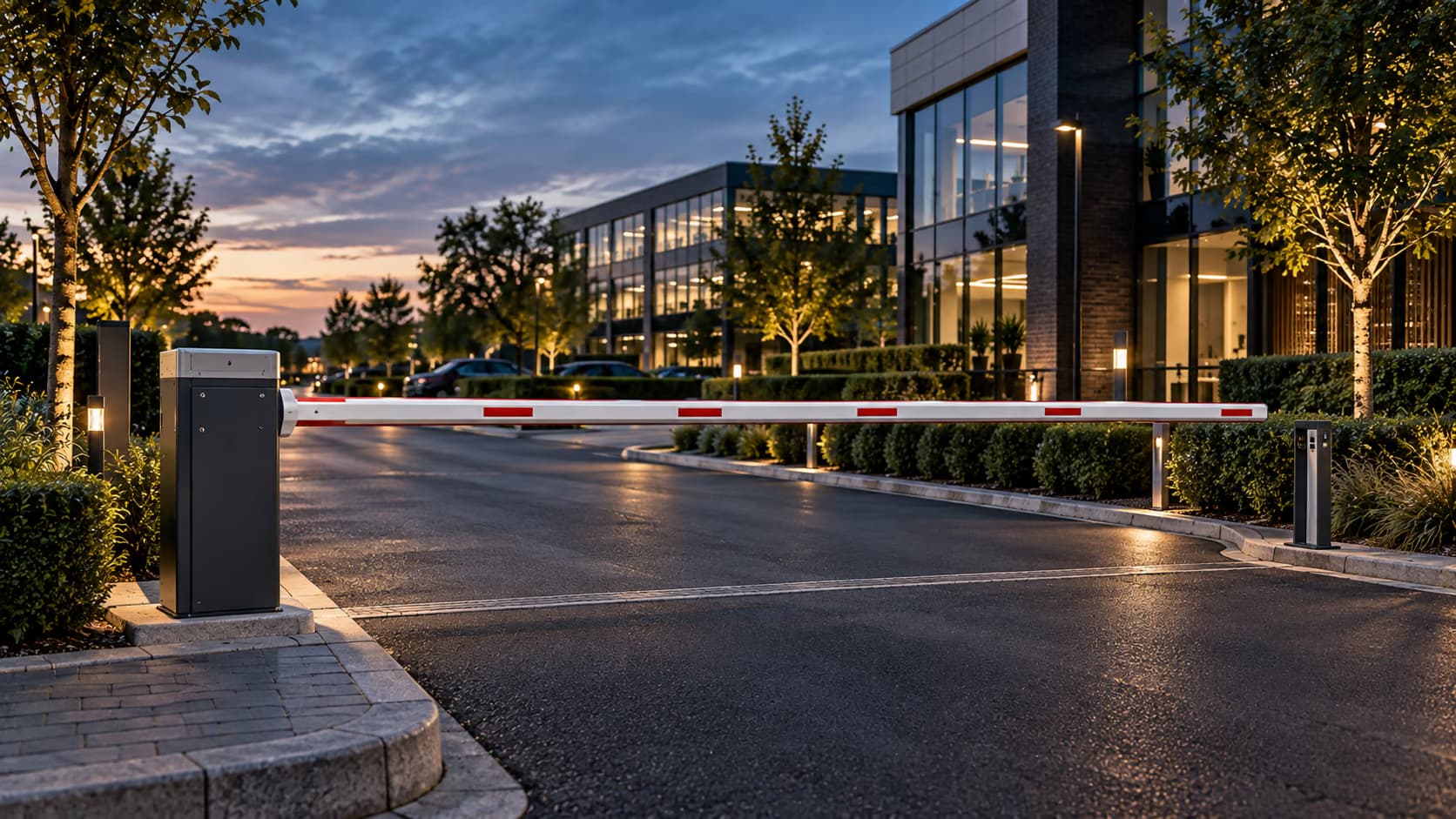
Pogo / boom support post
A fixed post that carries the tip of the arm.
A fixed end-rest post on its own footing receives the tip of the arm when it is down, protecting longer or exposed arms from wind and knocks.
Pricing being finalised
Add - 3Access control
Keypad
Drivers enter a code to open the barrier.
A keypad on a pedestal at the approach, cabled in during the installation, so authorised drivers open the barrier with a code.
Pricing being finalised
Add - 4Access control
Intercom
Visitors call through before they are let in.
An audio or video intercom on a pedestal at the approach: the visitor presses the button, someone answers, and the barrier is opened remotely.
Pricing being finalised
Add - 5Access control
ANPR number-plate recognition
Opens for registered number plates.
A camera reads number plates on approach and raises the barrier for vehicles on the permitted list. Cameras, software and licensing vary widely, so ANPR is priced after survey.
Priced at survey
Add - 6Safety
Vehicle detection loops
Detect vehicles at the barrier — to hold it open, or to open it.
Induction loops cut into the surface detect a vehicle: under the arm they stop the barrier closing onto it, and on the exit side they can open the barrier automatically.
Pricing being finalised
Add - Groundwork
Concrete pad for intercom or access equipment
A base for the pedestal at the approach.
A small concrete pad and ducting for an intercom, keypad or reader pedestal, where the approach has no suitable base.
Pricing being finalised
Add - Groundwork
Additional groundwork and cabling
For sites beyond a standard base and a short cable run.
Long cable runs, a new power supply, reinforced concrete to break out or poor ground — quoted after survey.
Priced at survey
Add - Barrier accessories
LED barrier lights
Lights along the arm, so it is seen at night.
LED lighting fitted along the boom makes the arm clearly visible to drivers, especially after dark.
Pricing being finalised
Add - Access control
GSM system
Open the barrier by phone.
A GSM unit with a SIM lets authorised users open the barrier from their phone, and a GSM intercom routes visitor calls to a mobile. SIM and airtime are separate.
Pricing being finalised
Add - Access control
Access-control readers
Fob, card or proximity readers for known users.
Proximity fob or card readers for staff, residents and permit holders, so known drivers open the barrier without calling anyone. Fobs and cards are supplied separately.
Pricing being finalised
Add - Safety
Photocells
Safety beams across the opening.
A pair of photocells beams across the lane and stops the arm closing while the beam is broken — for wider openings, or where vehicles and pedestrians share the approach.
Pricing being finalised
Add - Safety
Additional safety equipment
Further safety arrangements where the entrance needs them.
Every installation includes its safety devices, set up and tested. Where the entrance needs more — for example where pedestrians share the approach — the right arrangement is specified at survey.
Pricing being finalised
Add - Barrier accessories
Remote controls
Handsets coded to the barrier.
Remote handsets coded to the barrier's receiver at installation or afterwards.
Pricing being finalised
Add - Aftercare
Annual servicing
Planned maintenance visits, per barrier.
Planned maintenance: drive, arm balance, controls and safety devices checked, adjusted and tested.
Pricing being finalised
Add
Choose options alongside your barrier in the configurator; installation is included with every barrier.
Build your quoteWhen each option is needed
What each option does, when a site needs it, and when it usually does not. The survey confirms the final list.
Concrete barrier foundation
Groundwork
Pricing being finalised
The concrete pad the barrier stands on.
A concrete pad cast at the barrier position to carry the cabinet, with ducting laid for the power and control cables. Not needed where a sound base already exists in the right place — the survey decides.
- Needed when
- A new barrier position with no base, or where the existing surface cannot carry the cabinet — soft ground, thin tarmac, block paving over sand.
- Often not needed
- Where a sound concrete base already exists at the right position. The survey decides.
Pogo / boom support post
Barrier accessories
Pricing being finalised
A fixed post that carries the tip of the arm.
A fixed end-rest post on its own footing receives the tip of the arm when it is down, protecting longer or exposed arms from wind and knocks.
- Needed when
- Longer arms, exposed sites and busy crossings, where resting the tip of the arm protects it from wind load and knocks.
- Often not needed
- Short arms on sheltered, single-lane entrances usually do not need one.
Keypad
Access control
Pricing being finalised
Drivers enter a code to open the barrier.
A keypad on a pedestal at the approach, cabled in during the installation, so authorised drivers open the barrier with a code.
- Needed when
- Any entrance used by a known group of drivers — staff, residents, permit holders — who should open the barrier with a code.
- Often not needed
- Barriers opened only from a gatehouse or reception, where a push button or remote is enough.
Intercom
Access control
Pricing being finalised
Visitors call through before they are let in.
An audio or video intercom on a pedestal at the approach: the visitor presses the button, someone answers, and the barrier is opened remotely.
- Needed when
- Entrances with visitors, deliveries or contractors, where someone needs to check who is there before letting them in.
- Often not needed
- Sites used only by drivers who already hold a fob, code or registered plate.
ANPR number-plate recognition
Access control
Priced at survey
Opens for registered number plates.
A camera reads number plates on approach and raises the barrier for vehicles on the permitted list. Cameras, software and licensing vary widely, so ANPR is priced after survey.
- Needed when
- High-traffic entrances with regular users, where stopping to present a fob slows the queue — staff car parks, depots, managed developments.
- Often not needed
- Low-use entrances, or sites where the list of vehicles changes constantly.
Vehicle detection loops
Safety
Pricing being finalised
Detect vehicles at the barrier — to hold it open, or to open it.
Induction loops cut into the surface detect a vehicle: under the arm they stop the barrier closing onto it, and on the exit side they can open the barrier automatically.
- Needed when
- Almost every vehicle barrier. Detection under the arm is what stops it closing onto a vehicle that is still in the crossing.
- Often not needed
- Rarely. Occasionally photocells or another form of detection are specified instead; the survey confirms which.
Concrete pad for intercom or access equipment
Groundwork
Pricing being finalised
A base for the pedestal at the approach.
A small concrete pad and ducting for an intercom, keypad or reader pedestal, where the approach has no suitable base.
Additional groundwork and cabling
Groundwork
Priced at survey
For sites beyond a standard base and a short cable run.
Long cable runs, a new power supply, reinforced concrete to break out or poor ground — quoted after survey.
- Needed when
- Where the existing surface cannot carry the barrier — soft ground, thin tarmac, block paving over sand, or a new position with no base at all.
- Often not needed
- Where a sound concrete base already exists at the right position. The survey decides.
LED barrier lights
Barrier accessories
Pricing being finalised
Lights along the arm, so it is seen at night.
LED lighting fitted along the boom makes the arm clearly visible to drivers, especially after dark.
- Needed when
- Entrances used after dark, or where the arm needs to stand out to approaching drivers.
- Often not needed
- Daytime-only entrances with good lighting.
GSM system
Access control
Pricing being finalised
Open the barrier by phone.
A GSM unit with a SIM lets authorised users open the barrier from their phone, and a GSM intercom routes visitor calls to a mobile. SIM and airtime are separate.
- Needed when
- Sites where users should open the barrier from their phone, or where visitor calls should reach a mobile rather than a building.
- Often not needed
- Entrances with a staffed reception or gatehouse that answers an intercom.
Access-control readers
Access control
Pricing being finalised
Fob, card or proximity readers for known users.
Proximity fob or card readers for staff, residents and permit holders, so known drivers open the barrier without calling anyone. Fobs and cards are supplied separately.
- Needed when
- Entrances with many regular users, where a fob or card is quicker and easier to manage than a shared code.
- Often not needed
- Small sites where a keypad code or remote handsets are enough.
Photocells
Safety
Pricing being finalised
Safety beams across the opening.
A pair of photocells beams across the lane and stops the arm closing while the beam is broken — for wider openings, or where vehicles and pedestrians share the approach.
- Needed when
- Wider openings, and approaches shared by vehicles and pedestrians.
- Often not needed
- Where detection loops alone are specified for the opening. The survey confirms which.
Additional safety equipment
Safety
Pricing being finalised
Further safety arrangements where the entrance needs them.
Every installation includes its safety devices, set up and tested. Where the entrance needs more — for example where pedestrians share the approach — the right arrangement is specified at survey.
Remote controls
Barrier accessories
Pricing being finalised
Handsets coded to the barrier.
Remote handsets coded to the barrier's receiver at installation or afterwards.
Annual servicing
Aftercare
Pricing being finalised
Planned maintenance visits, per barrier.
Planned maintenance: drive, arm balance, controls and safety devices checked, adjusted and tested.
Common questions
Which add-ons does a typical barrier need?
It depends on the ground and on who uses the entrance. Almost every barrier needs safety detection; some sites need groundwork beyond a standard base; longer arms often need a support post; and the access option depends on whether drivers are known users, visitors or both. The survey confirms the list before you commit.
Why are some options priced at survey?
Additional groundwork and ANPR vary too much from site to site for an honest starting figure — cable runs, ground conditions, cameras and software licensing all change the price — so we quote them once we have seen the site.
Are add-ons supplied at cost?
Yes, where applicable — like the barrier itself. Options are fitted with the barrier as part of the same installation, and confirmed in your written quotation.
How does ANPR open a barrier?
A camera on the approach reads each number plate and checks it against a list of registered vehicles. When a plate matches, the barrier opens without the driver doing anything; unknown vehicles can be sent to an intercom or keypad instead. Camera position, lighting and software licensing vary from site to site, which is why ANPR is priced at survey.
Can options be added after the barrier is installed?
Usually, yes — access control and intercoms in particular can be added later, as part of a servicing visit or on their own. Groundwork and cable ducting are far easier to do at installation, so it is worth thinking ahead.
What is a pogo or support post?
A short post at the far end of the crossing with a cradle that receives the tip of the arm when it is down. It stops a long arm flexing in the wind and protects it from knocks.
Barrier, installation, options.One quotation.
Choose your barrier, tick the options your entrance needs, and send it to us. Installation is included with every barrier.